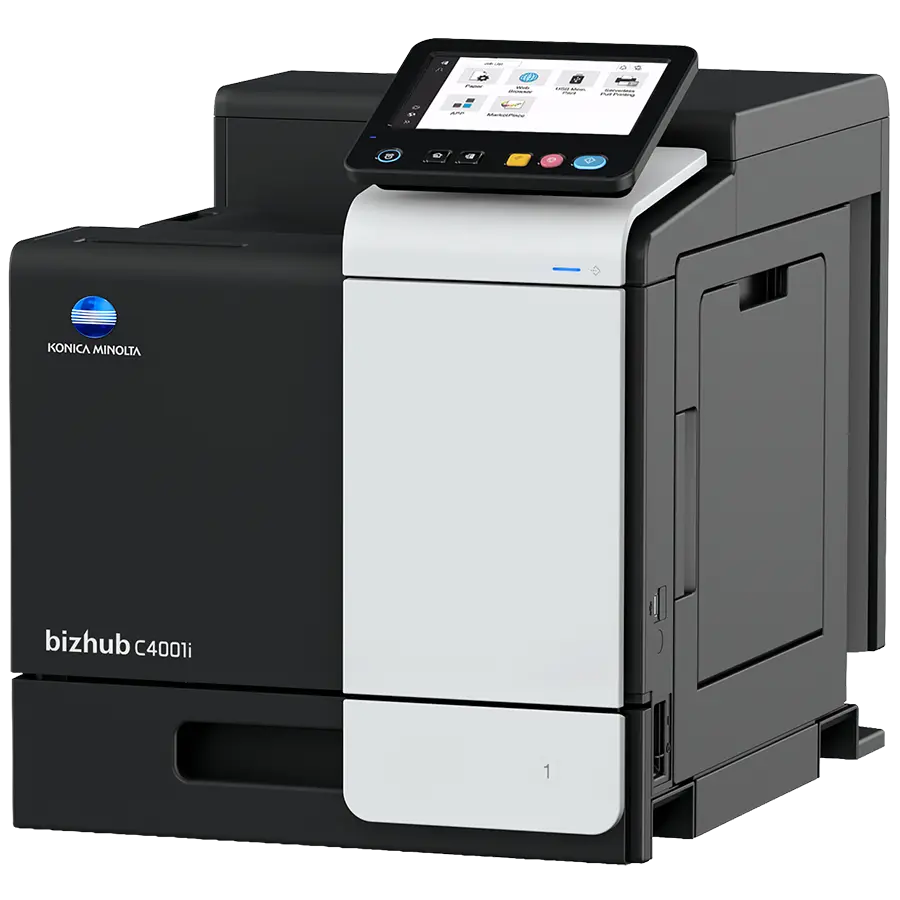
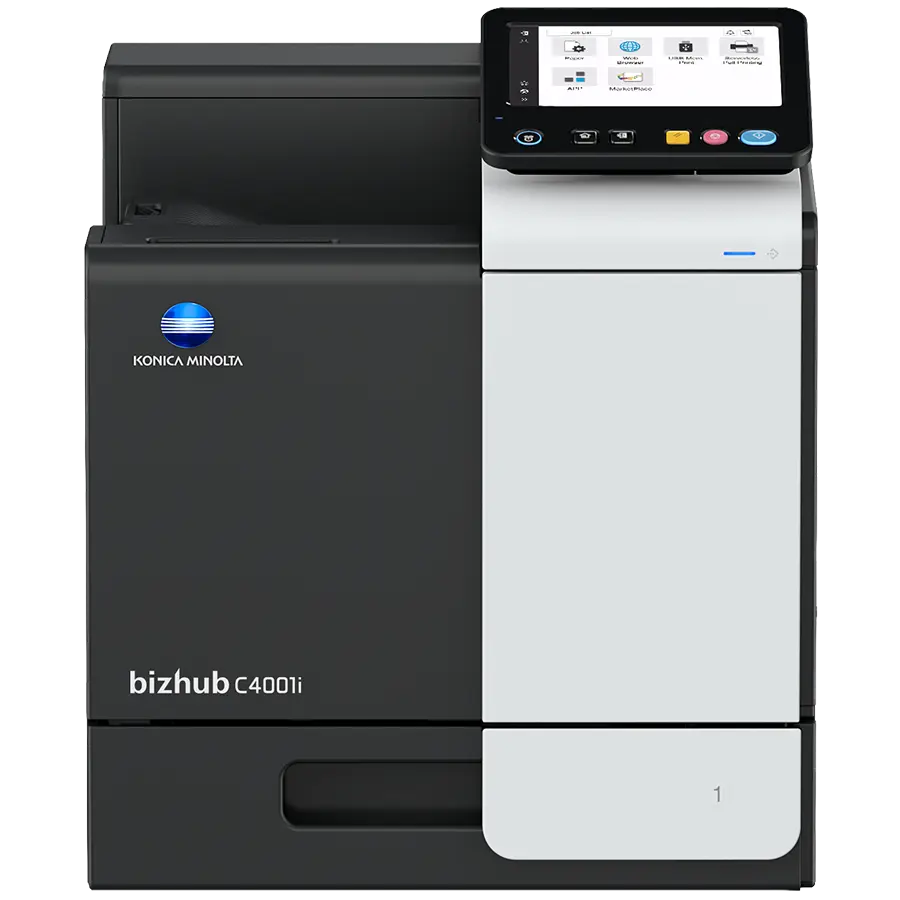
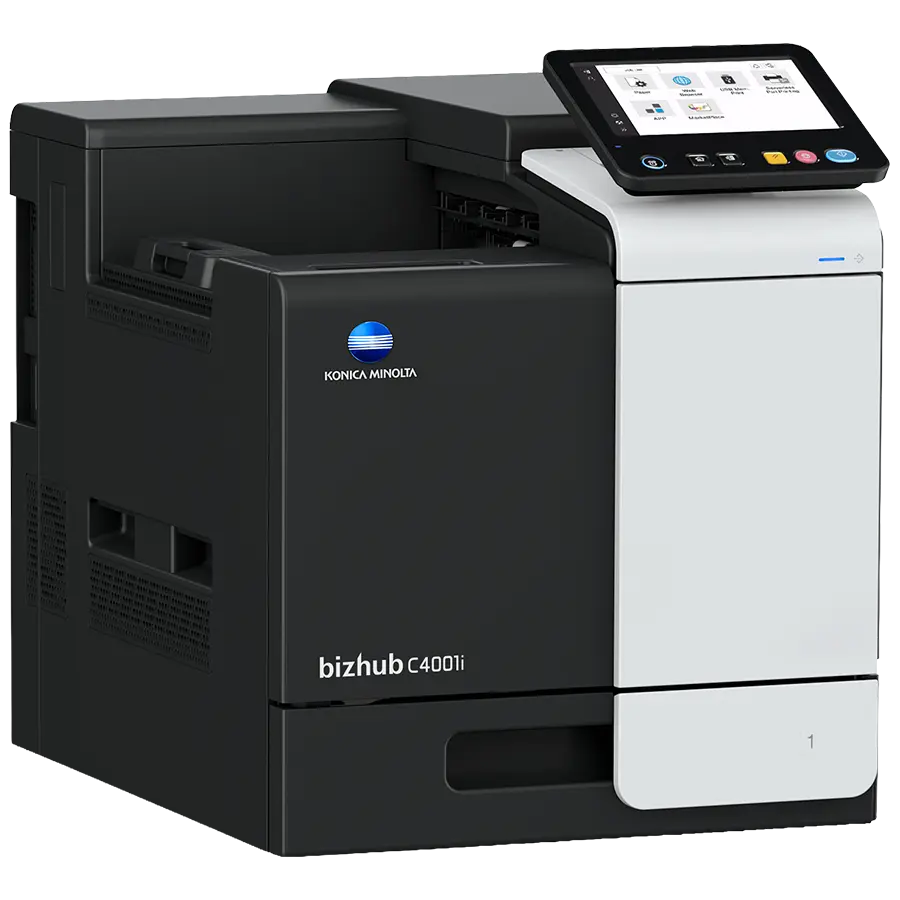
bizhub C4001i
Simple, Connected and Safe, Discover the bizhub i-Series
- 40/40 ppm in colour and black & white
- Paper formats: A6-A4, custom sizes
- 7-inch tablet-like colour touch panel with multi-touch support and redesigned user interface for intuitive operation and ease of use
- Reduced environmental impact thanks to state-of-the-art technology with competitively low power consumption – saves both energy and money
- Highest data security with even greater protection against malicious activity and increased visibility of attempted cyberattacks
FUNCTIONALITIES
Direct print
Driverless printing of PDF, XPS, DOCX, XLSX, PPTX, JPEG, TIFF, PS and PCL
Embedded print controller
Konica Minolta’s high-performance controller with support of PostScript3, PCL6, PCL 5e/c and XPS
High print resolution
For best output quality
Print features
Various print features like watermark, n-up, poster or booklet page order can be selected
Universal Printer Driver
One driver to install, manage and maintain
USB print
Direct print of print files stored on a connected USB stick
Access rights
Function access rights can be granted on user level (up to 100 accounts).
Authentication
User access by password, user name + password, ID card or finger vein scanner
bizhub SECURE services
Securely set the device to make sure the companies data is safe
Network security
Support for SSL/TLS, HTTPS, 802.1x and IPsec.
SPECIFICATIONS
Panel size/resolution | 7” / 800 x 480 |
System memory (standard/max) | 4,096 MB |
System hard drive | 8 GB (standard) |
Interface | 10/100/1,000-Base-T Ethernet; USB 2.0; Wi-Fi 802.11 b/g/n (optional) |
Paper input capacity (standard/max) | 600 sheets / 1,600 sheets |
Paper tray input (standard) | 1x 500 sheets; A6-A4; custom sizes; 60-210 g/m² |
Paper tray input (optional) | 1x 500 sheets; A4; 60-90 g/m² 1x 500 sheets; A4; 60-90 g/m² |
Manual bypass | 100 sheets; A6-A4; Custom sizes; 60-210 g/m² |
Automatic duplexing | A4; 60-210 g/m² |
Finishing modes | Group; Sort; Staple (offline) |
Output capacity (standard) | Max. 250 sheets |
Copy/print volume (monthly) | Rec. 6,500 pages; Max.¹ 120,000 pages |
Toner lifetime | Black up to 13,000 pages CMY up to 9,000 pages |
Imaging unit lifetime | Black up to 161,000 pages (imaging unit) CMY up to 55,000 pages (imaging unit) |
Power consumption | 220-240 V / 50/60 Hz; Less than 1.45 kW |
System dimension (WxDxH) | 420 x 528 x 473 mm (without options) |
System weight | Approx. 33.2 kg (without options) |
Imaging technology | Laser |
Toner technology | Simitri® HD polymerised toner |
Print resolution | 1,800 (equivalent) x 600 dpi; 1200 x 1200 dpi |
Print Speed A4 (mono/colour) | Up to 40/40 ppm |
1st print out time A4 (mono/colour) | 8.0/8.7 sec. |
Warm-up time | Approx. 13 sec. in mono; 15 sec. in color² |
Page description language | PCL 6 (XL3.0); PCL 5c; PostScript 3 (CPSI 3016); XPS |
Operating systems | Windows 7 (32/64); Windows 8/8.1 (32/64); Windows 10 (32/64); Windows Server 2008 (32/64); Windows Server 2008 R2; Windows Server 2012; Windows Server 2012 R2; Windows Server 2016; Windows Server 2019; Macintosh OS X 10.10 or later; Unix; Linux; Citrix |
Printer fonts | 80 PCL Latin; 137 PostScript 3 Emulation Latin |
Mobile printing | AirPrint (iOS); Mopria (Android); Konica Minolta Mobile Print (iOS/Android/Windows 10 Mobile); Mobile Authentication and Pairing (iOS/Android) Optional: Google Cloud Print; WiFi Direct |
Security | ISO 15408 HCD-PP Common Criteria (in evalutation); IP filtering and port blocking; SSL2; SSL3 and TLS1.0/1.1/1.2 network communication; IPsec support; IEEE 802.1x support; User authentication; Authentication log; Secure print; Kerberos; Memory data auto deletion; Print user data encryption |
Accounting | Standard: Up to 100 user accounts; Active Directory support (user name + password) Optional: Biometric authentication (finger vein scanner); ID card authentication (ID card reader); Authentication by mobile device (Android/iOS) |
Software | Net Care Device Manager; Data Administrator; Web Connection; Print Status Notifier; Driver Packaging Utility; Log Management Utility |
Print From Anywhere, Anytime: